Set it up once. Every quote gets the cost check.
Six steps, from your first login to getting paid - with your own costs carried through the whole job.
How long before it's useful?
About 10 minutes. You tell figrd your real costs - overhead, vehicle, super, your target rate - and it fills sensible defaults from Australian reference data.
- Useful on first login - there is nothing to configure first
- No four-figure onboarding fee
- Every sensitive field explains why it's asked
Your costs, your operating hours, your target rate and your email connection. After that, every quote does the maths for you.
Is this job worth doing?
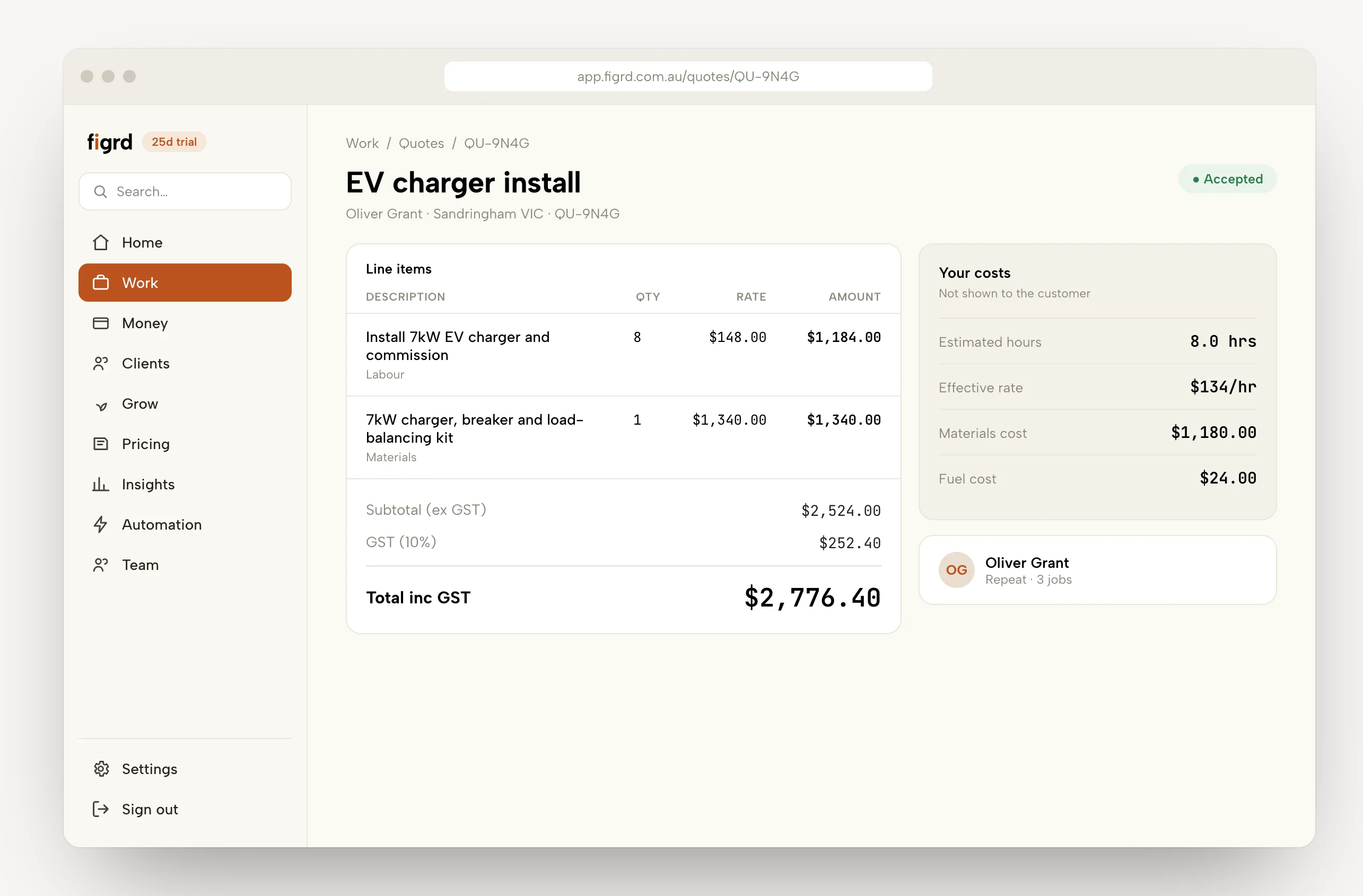
As you add labour and materials, your effective hourly rate updates live - green if it's above your break-even, amber if it's marginal.
- Every cost in the number - overhead and geocoded travel
- GST-inclusive totals - what the customer sees is what they pay
What if they go quiet?
figrd follows up for you - a polite SMS nudge. When the customer accepts, the quote becomes a job in one click, with the hours, costs and margin carried over.
- Branded PDF, your own email - the customer sees you
- Accepted, then job in one click - hours, costs and margin carried over
Up to three polite follow-ups if the quote goes quiet, sent for you. You can pause them anytime, and they stop the moment the quote's accepted or declined.
How do you keep it on target?
Schedule the work, run the day from a run sheet, and log real hours with the on-site timer. The hours you logged sit against the hours you quoted while the job is still open.
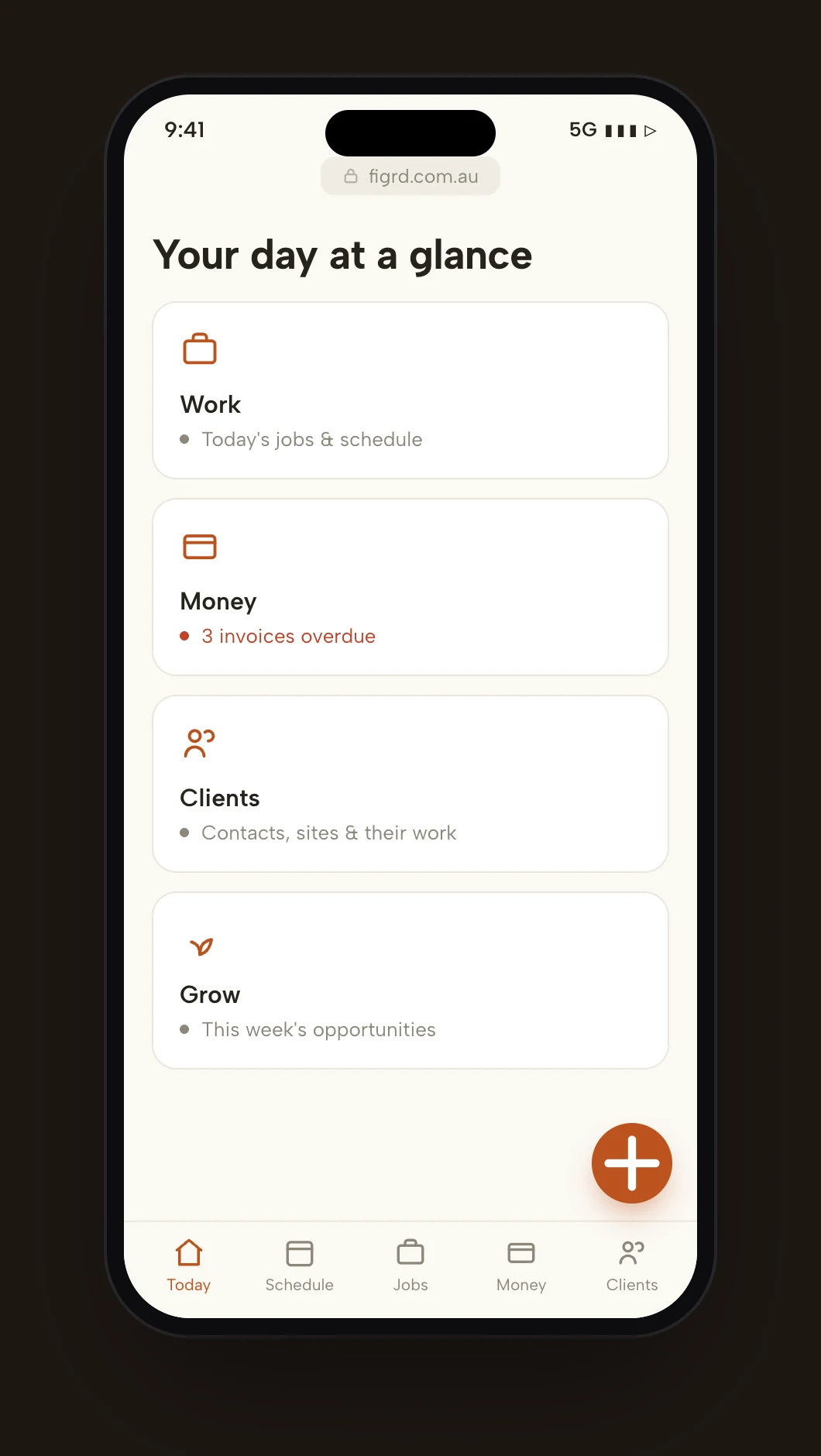
- Day, week, drive times - groups the jobs that are near each other
- Photos & notes attached to the job
The invoice goes out on site.
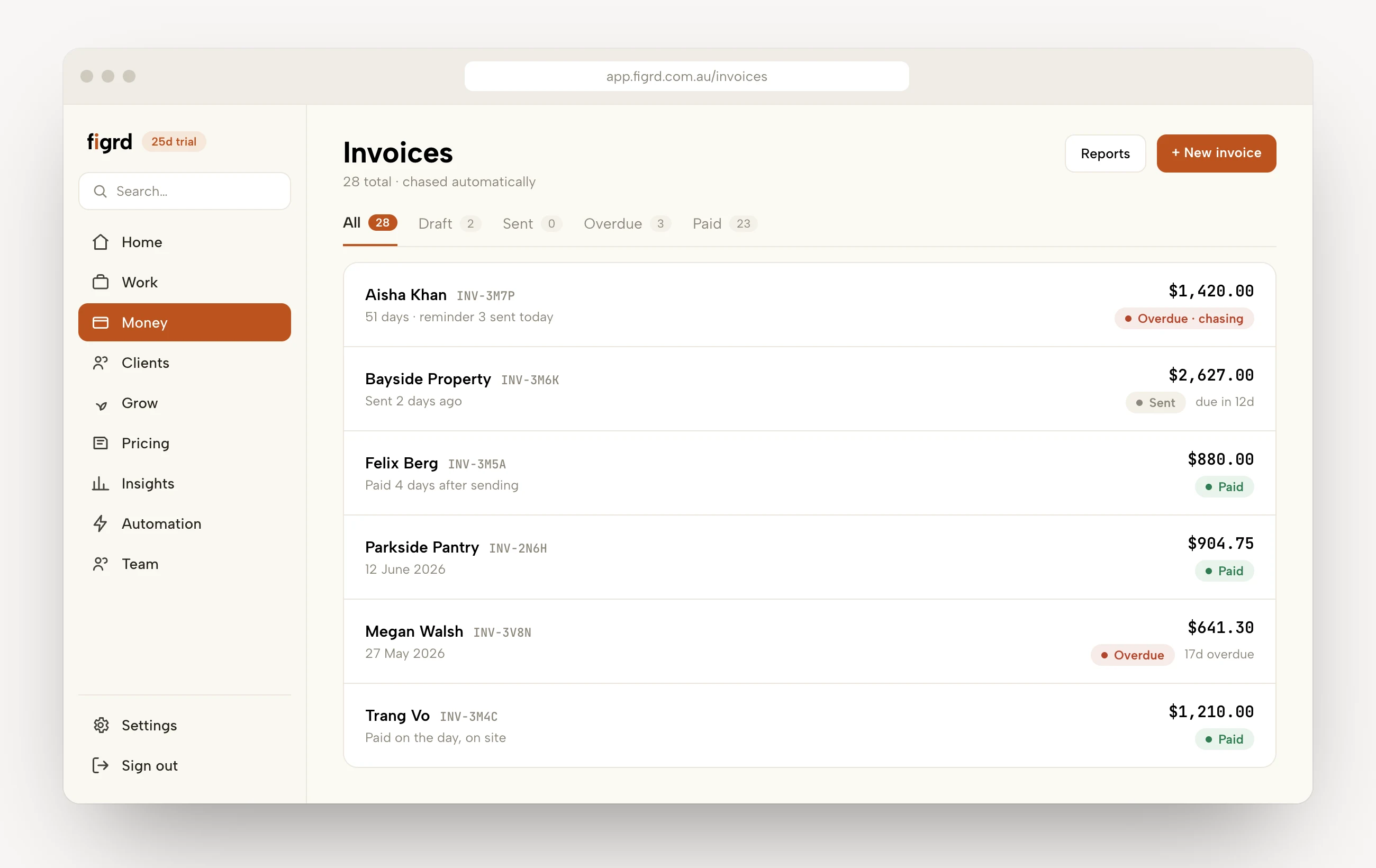
The invoice builds itself from the quote, so you send it before you pack up. figrd follows it up automatically until it's paid, and syncs to Xero so your books match your jobs.
- Followed up for you - escalating reminders you control
- Customer portal in your branding, with a card pay-link
Was it worth doing?
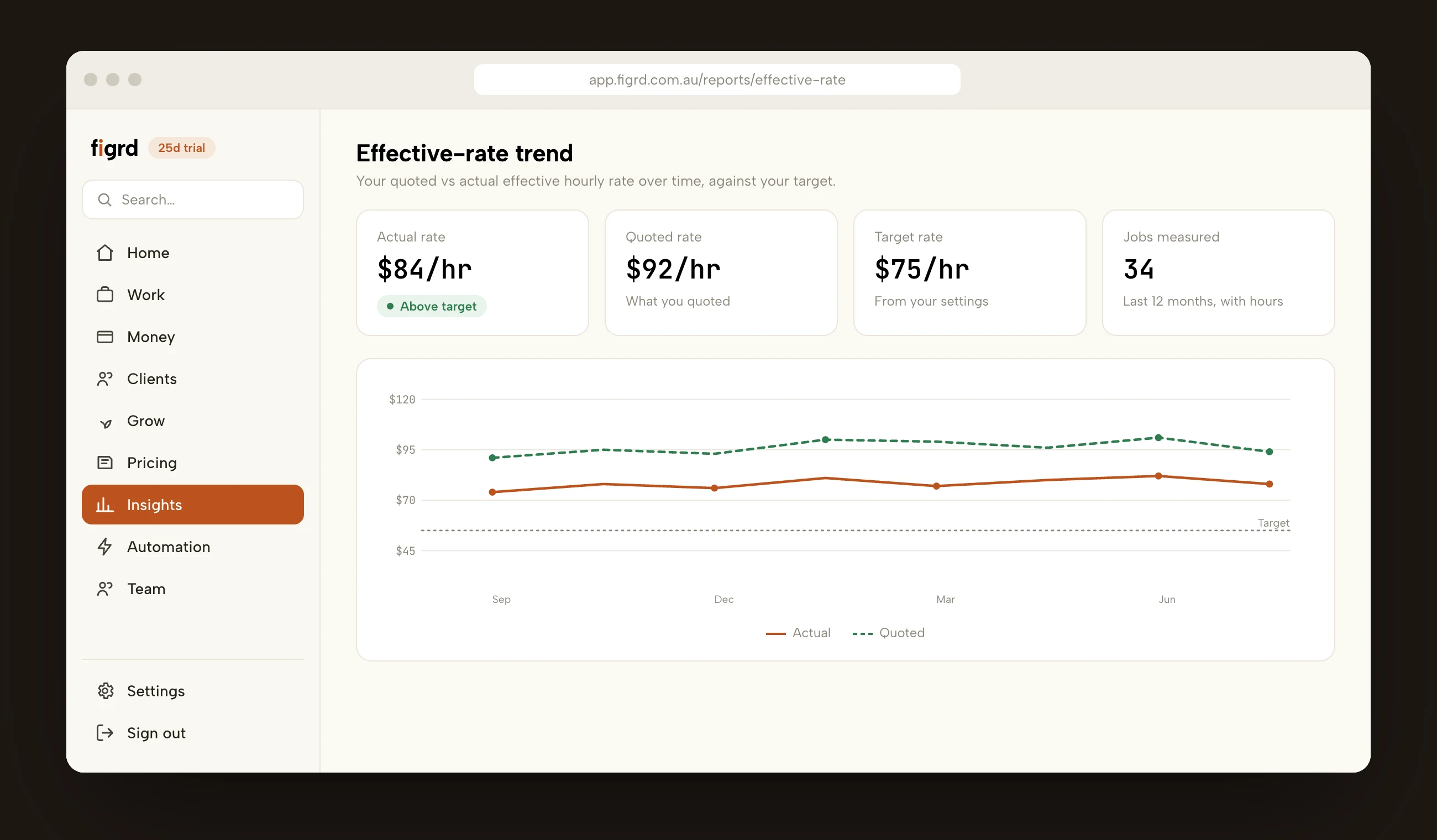
After the job, quoted and actual sit side by side: the hours you estimated against the hours you logged, and the rate each one works out to. That is what tells you how to price the next one.
Start with your next quote.
We're bringing on Australian trade businesses in small groups. Leave your details and we'll set you up.